
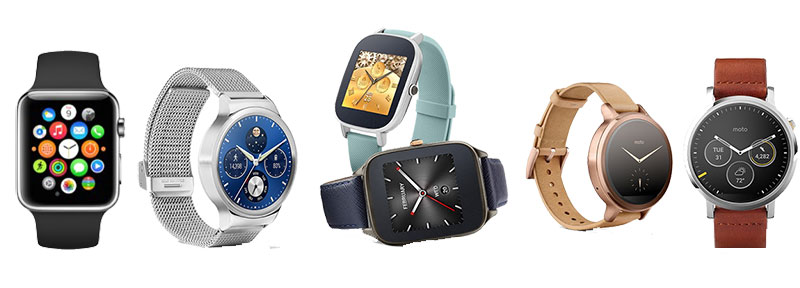
 Looking to buy a new smartwatch but you could not decide on which to buy. Here is a complete guide to make your best choice. The smartwatch market is extensively growing as more and more manufacturers are jumping into it. Some of the top players in market are Apple, Samsung, Motorola, Asus, Huawei, LG, Pebble, Fossil, Tag Heuer, Casio, Titan and the list continues. The features and design vary a lot among these smartwatches.
Best laptop to buy now
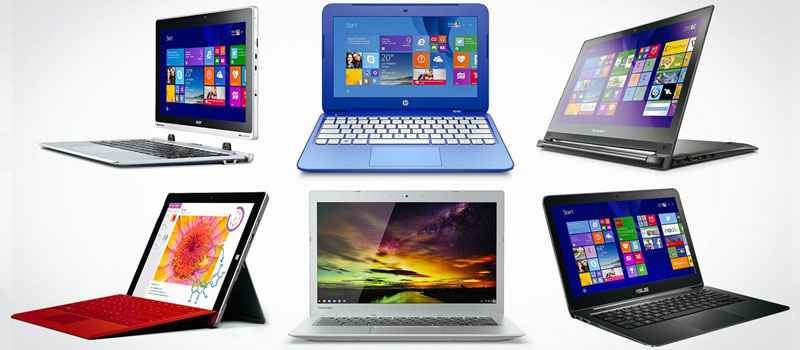
It is a good practice to do some research before Investing our hard earned money in anything. Being a geek I also do a lot of research before buying any gadgets, smartphone or laptop. Through this post I would like to share my buying experience of best laptop which might help you to make decision. They are best in performance with good configuration. I have personally used few of them and have tested under extreme conditions. They will perform best in every situation, they are based on overall performance not just gaming.
How to use Google Fit: Everything about Google Fit
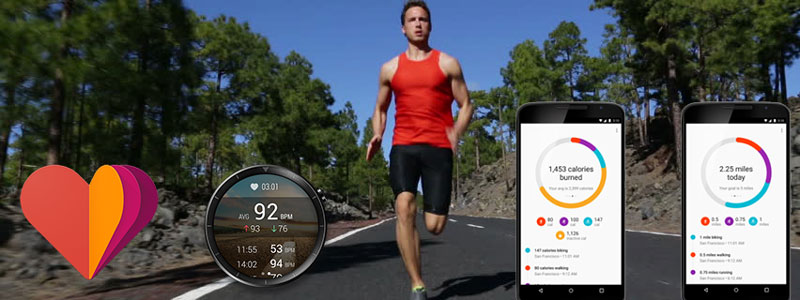
We all know about Google Fit, the android health-tracking platform. We might have used it at some point of time or at-least tried it out. Today we will see how we can use it effectively to track our health and fitness. Unlike Apple Health it is simpler and focus less on medical aspects.
Digital Payment, E-Wallets – All you need to know
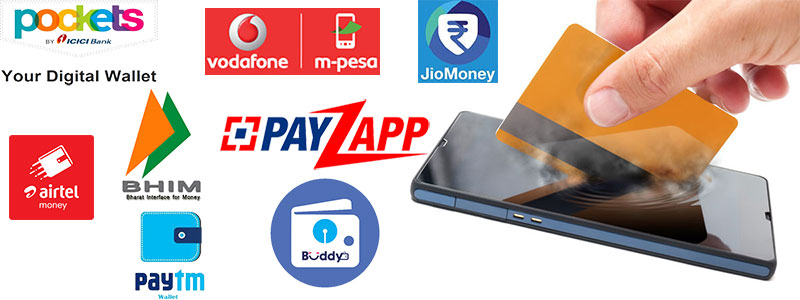
Digital payment system is referred to payment system which allows to do transactions electronically. This includes Bank transfers (RTGS, NEFT etc), Debit/Credit cards, UPI, E-wallets (like paytm, Jio money pockets, pay zapp, airtel money etc) and USSD. Digital payment is not a new payment system but some of us came to know after Indian Govt move towards demonetizing.